A cloud computer your app can hand work to
Each account gets a real cloud desktop. Send a task by API, watch it run, take over any time.

- Real Chrome on a real desktop
- Humanized mouse and keyboard
- Residential exit addresses
- Captcha and sign in handling
Scripts that run fine on your laptop get stopped from a datacenter
Sites check how a visitor moves, where it connects from and whether it can solve a challenge. AgentPC runs the work on a desktop that looks and behaves like a person's, so your app gets the page, not the block screen.
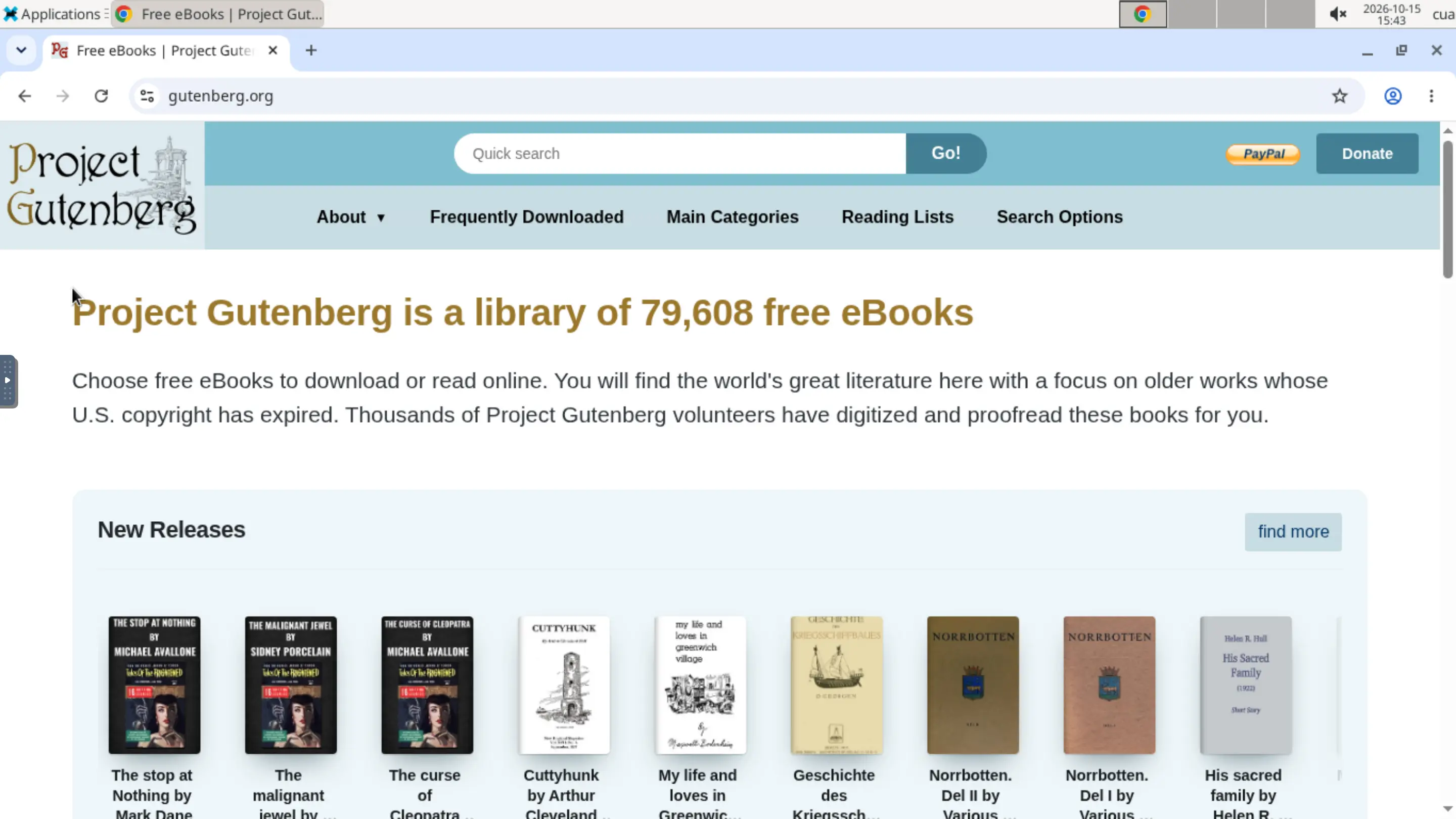
Yourappasks.Arealdesktopanswers.Apersoncanstepinatanymoment.
Built for work that happens on a screen
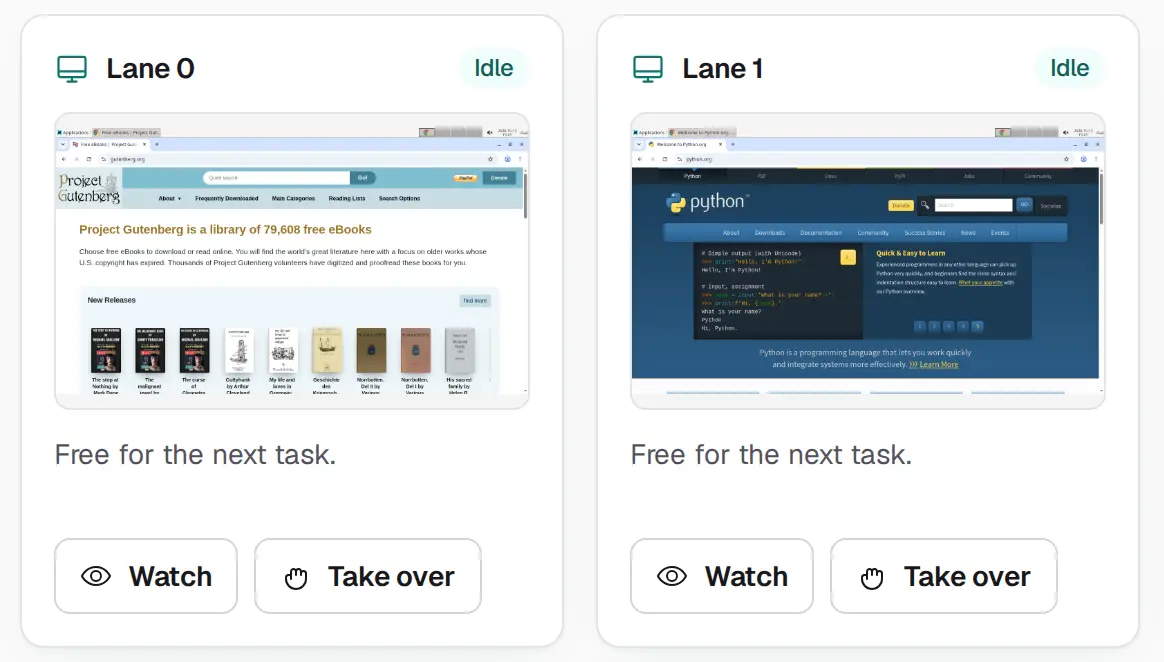
Watch live, take over
Open any lane in the portal and see exactly what the agent sees. Take the controls when a task needs a person, then give them back.
Sign in and captchas handled
The desktop agent signs in, solves captchas and asks your app for one time codes when a site sends one.
Residential exits
Traffic leaves through an exit your administrator chose. If none works, the computer does not start.
Two ways to drive it
Hand over a goal with the task API and let AgentPC's agent do it. Or claim a lane with the tools API and drive it from your own agent over MCP.
See how it works for developersOne request starts a task
Create a task
Post a goal and what success looks like on screen. AgentPC starts its desktop agent on your computer.
Watch it run
Progress, questions and approvals stream to your app over SSE, WebSocket or webhooks. Open the live view any time.
Take the result
Read the result and any files, then acknowledge it. Task content is deleted a day after that.
curl https://agentpc.top/v1/tasks \
  -H "Authorization: Bearer $AGENTPC_KEY" \
  -H "Content-Type: application/json" \
  -d '{
    "goal": "Download the March invoice from the supplier portal",
    "success_check": "The invoice PDF is listed in the downloads panel",
    "start": "https://supplier.example"
  }'
Questions people ask first
What does an account get?
One cloud computer with several desktop lanes. Each lane is its own Chrome desktop, so a few tasks can run side by side. An administrator sets the lane count.
How do I drive it?
Two ways. The task API takes a goal and runs AgentPC's own desktop agent. The tools API gives your agent a lane over MCP so it can look at the screen and act itself.
Can a person step in?
Yes. Open any lane live from the portal, take over the mouse and keyboard, then hand it back. The agent waits while you hold the lane.
Who answers the agent's questions?
Your app does. Approvals, questions, one time codes and credentials arrive as requests on the task, and your app answers them through the API. AgentPC stores no credentials.
Is there a price?
Not yet. Usage is tracked per day in lane hours and tokens, and shown in the portal, but nothing is billed.
How do I get access?
An administrator gives out accounts and approves each one by hand. Your computer starts once you are approved.
Nothing to pay and nothing stored that you did not send
Usage is tracked, not billed. Credentials and codes pass through once and are never kept. An administrator approves each new account.
Sign in